Create a Template Chart
How to create a chart template
If you are a Notion template creator, you might be interested by this feature. Now, Data Jumbo lets you embed your own chart into your templates so your templates are enriched by your nice data visualisation. The template buyer will have the exact same chart as yours, but connected to their own database.
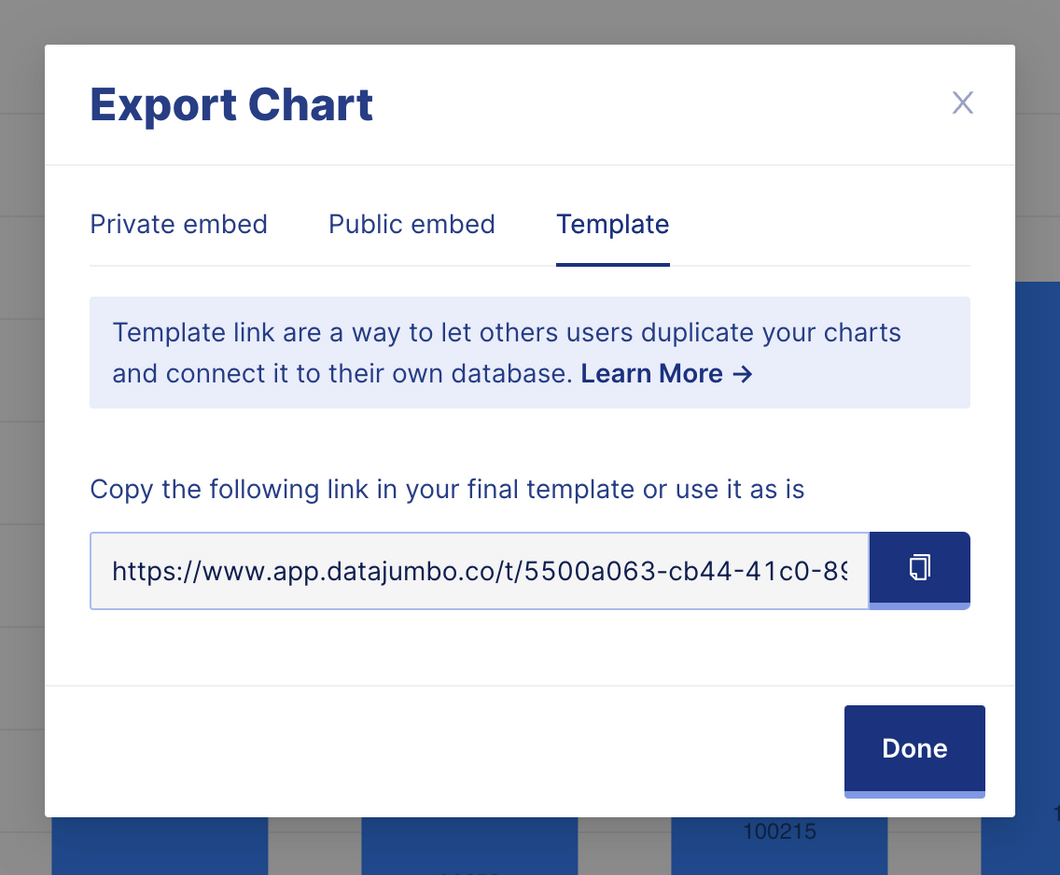
How to make chart "duplicable"
When you import your chart to Notion, simply pick the template link and paste it in Notion as an embed. If you had used a regular chart already, just replace the link (options on the top right of the chart embed).
Recommendations
- Use a clear and distinct name for the source Database of chart. The more unique the better, since your template user will connect his chart to the right database based on its name.
- Do not update the database column names once you published your charts and your template. If you have to do a correction, or any form of update regarding the database column names, ensure that your charts are not broken by this updates. You can fix by picking the right updated columns in the Data Jumbo editor.
- Use a clear name for the chart itself. It will be displayed on the user screen before duplication.