How to Delete My Account
In this article we describe how you can delete your account with Data Jumbo.
Step-by-step process
- Login into Data Jumbo
- Click on "Settings" on the header
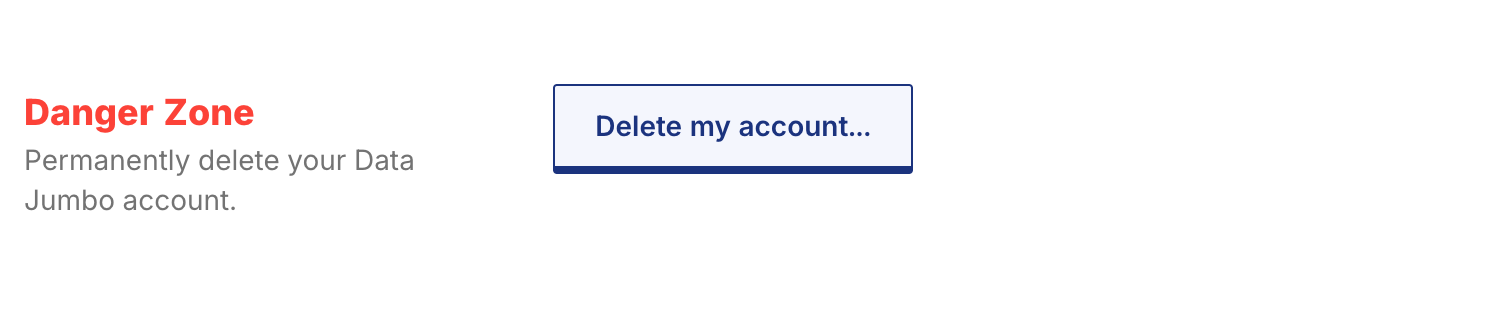
- In the General tab you will find a section Danger Zone
- Click on "Delete my account..." button
- Popup will open and click on "Delete all my data" button
Warning: This operation is going to permanently delete your account and all associated data. This action cannot be undone.
What this means:
- Your entire account will be erased
- All your personal information will be removed
- Your data, including settings, will be permanently deleted
- You will lose access to all services associated with this account