Troubleshoot Template Duplication
If you have faced an error while duplicating a template chart in your Notion workspace, then you're at the right place. Here's how to solve it.
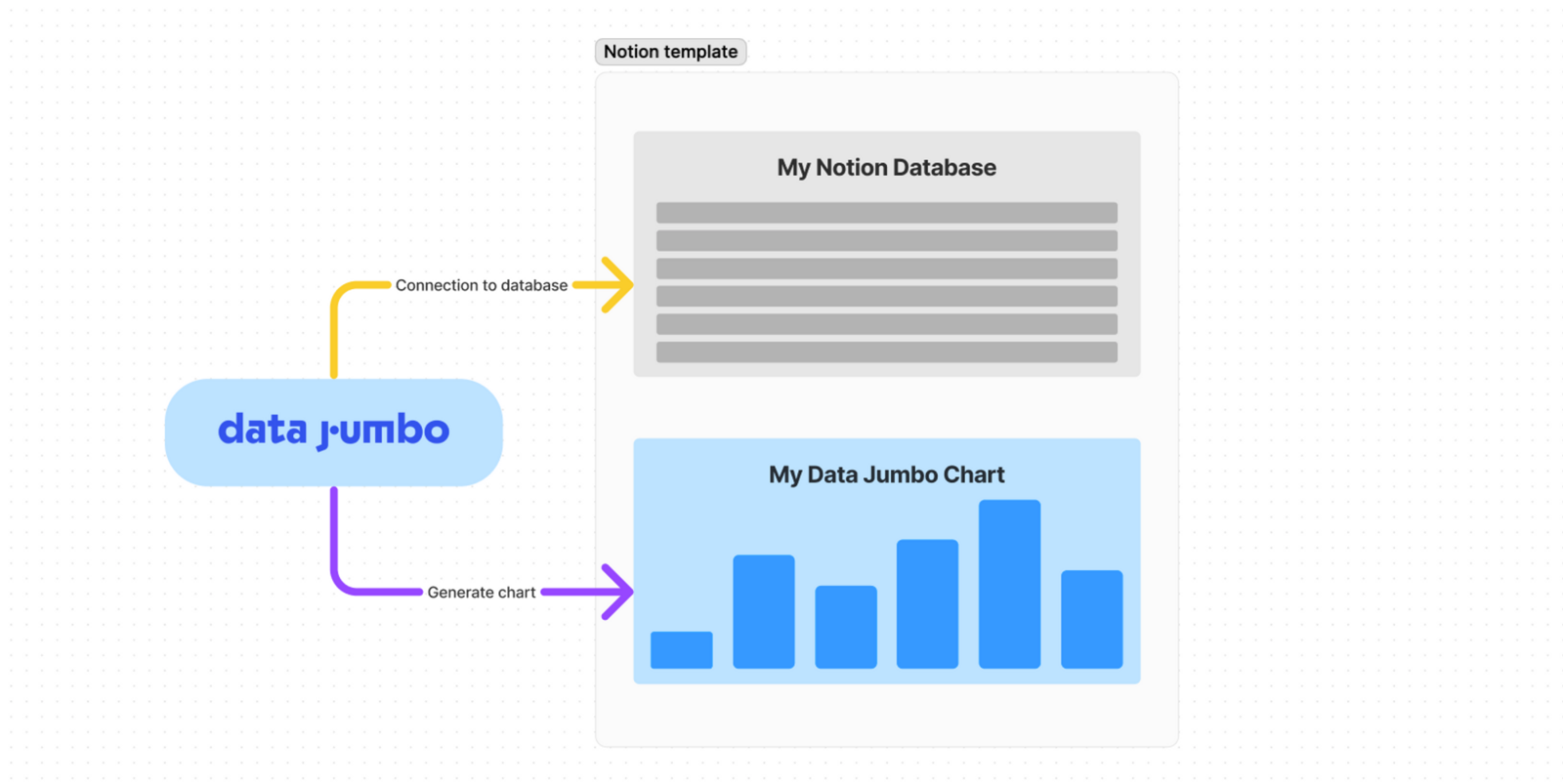
But first, let's briefly explain how it works. To work properly, Data Jumbo needs a Connection to the right database (yellow arrow), then Data Jumbo can generate the chart in your Notion pages (purple arrow). The point of the duplication is to create these 2 connections. Most of the times it works fine, but sometimes, you need to change a few parameters.
No Match
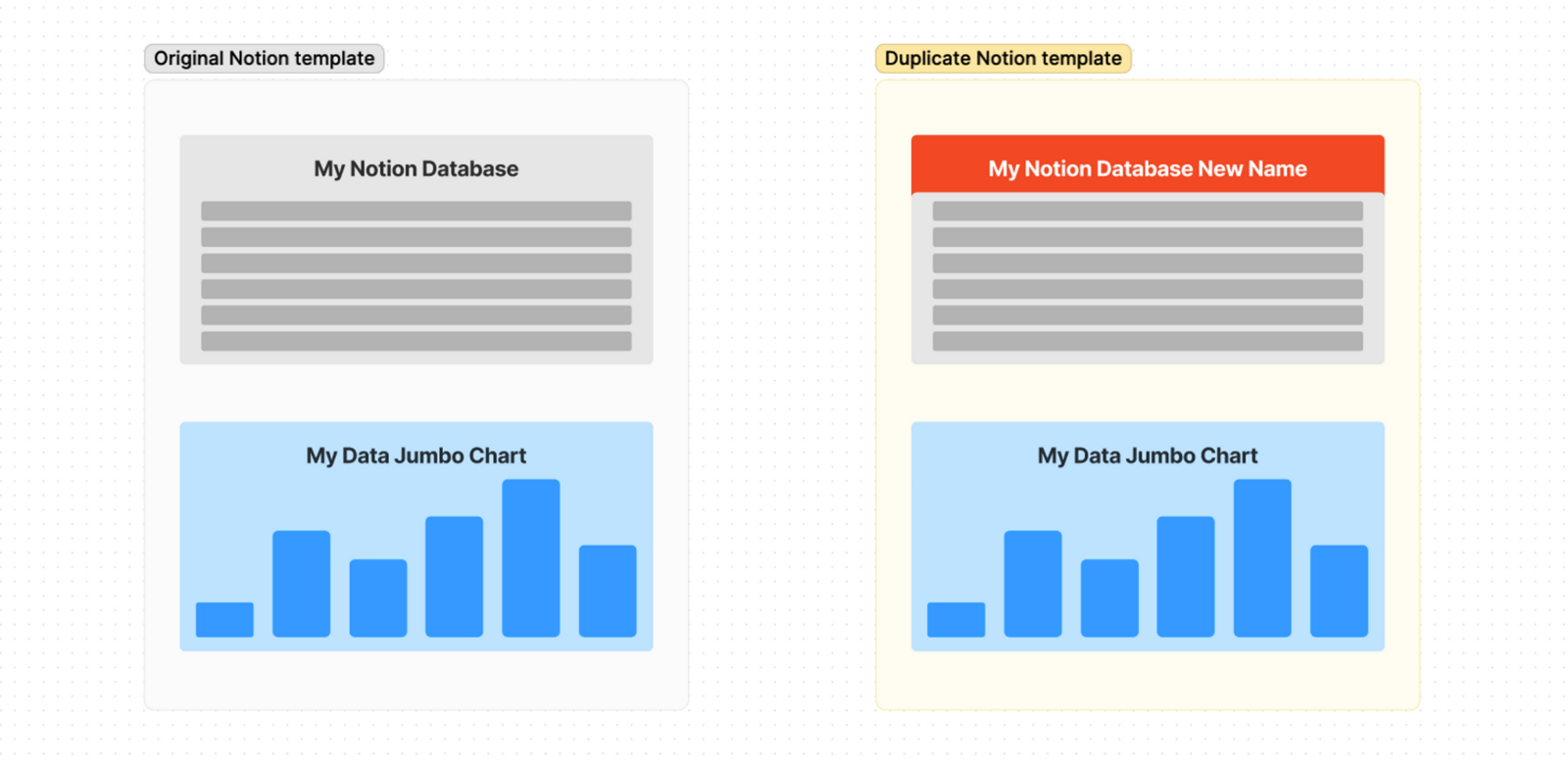
When you try to duplicate a chart, Data Jumbo tries to find a source database with the same name as the one used in the original template. For instance "My Notion Database".
Here's 2 possible reasons for this error:
Data Jumbo doesn't have access to the database. Then you will have to grant access, here's how to do it: Share a database with Data Jumbo. Then refresh the page of duplication.
The name of the databases has changed. It's less common but it can happen. To solve it, it's simple, just find the right database in the dropdown.
Note: It can take up to 1 minute for a document to be accessible from Data Jumbo. If you have a "no match" error but the document is actually shared, then wait and reload the page.
Multiple Matches
You simply have multiple databases with the name matching with the expected DB name. The right database is probably preselected, but to be sure you're connecting it to the right database, click on the eye icon button to open the database page in a new tab.