How to Reload My Chart Manually
This article guides you on refreshing your chart to display the latest data from your Notion database.
In some cases you have to update the data for the chart manually. In this article we will show you how to do this:
Step-by-step process
- Login into Data Jumbo
- Select the chart you want to update
- Editor of the chart will open
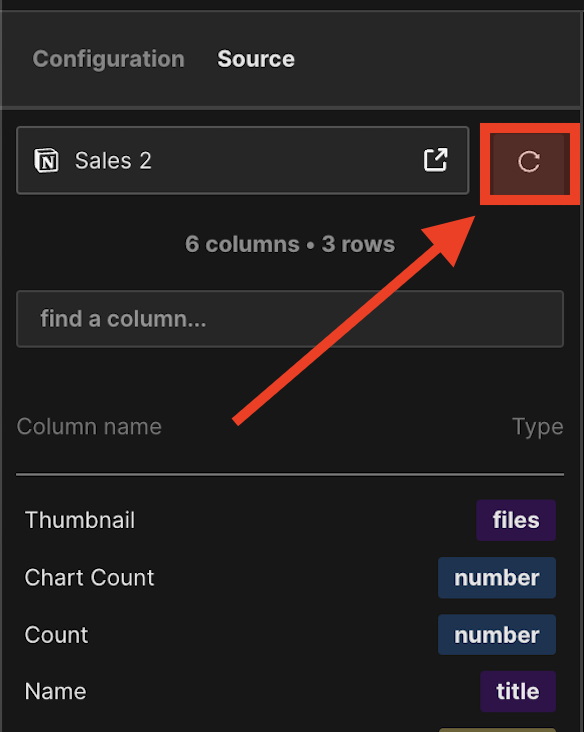
- Select "Source" tab on left side editor
- Click on the reload button